Key ideas at a glance
- Create room types around activities and participants.
- Treat platform, network and support requirements as design inputs.
- Keep a control-room operational display brief separate from ordinary meeting needs.
Write the room's working brief
Record participant numbers, seating, remote callers, shared content and whiteboarding needs. Choose whether meetings use a managed room system, a visitor laptop or both. Ask the IT owner which platform, accounts and support process must be used.
Microsoft's room-planning guidance distinguishes collaboration-led spaces from presentation and mixed-use rooms. Use that activity-based approach to decide how displays and controls should be arranged, then check the requirements for the exact platform and hardware.
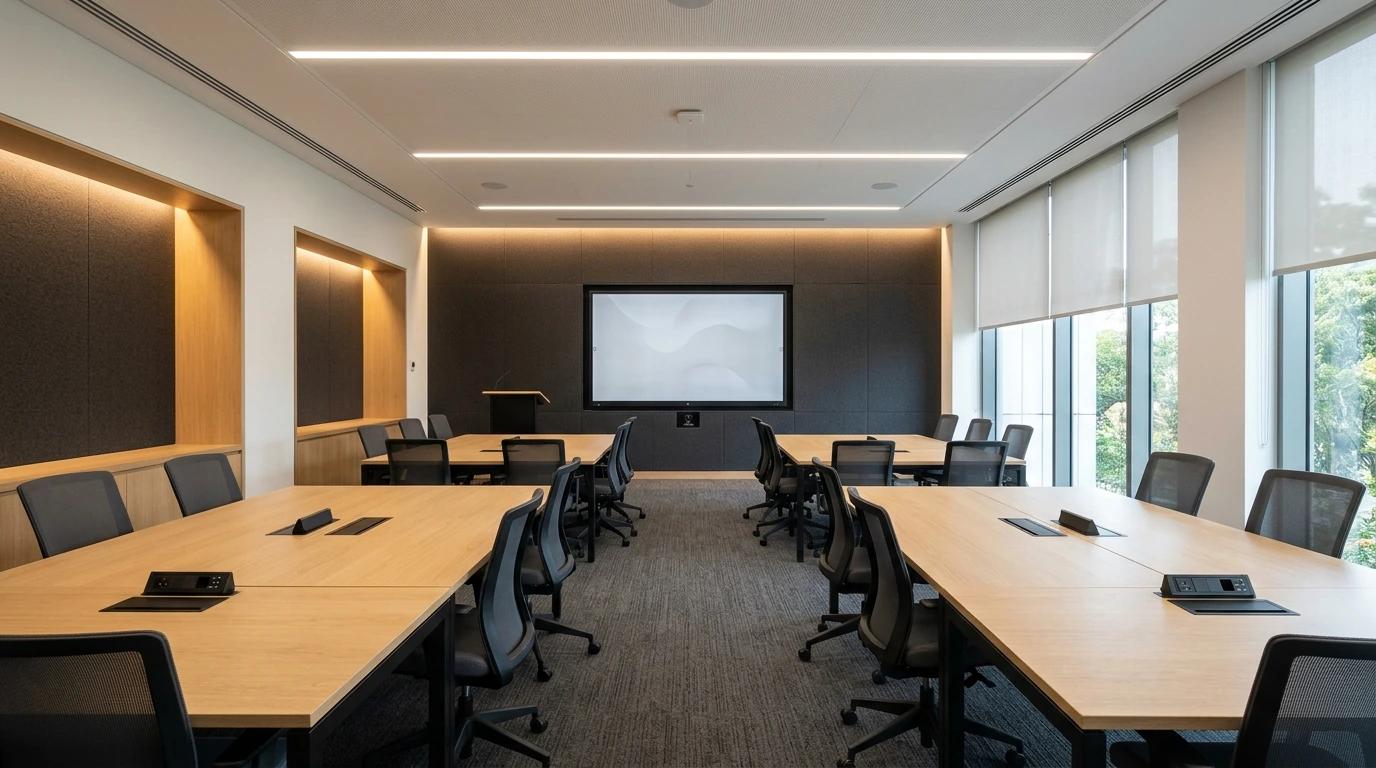
Keep huddle-room operation simple
In a compact room, test whether people can see shared content and be heard from the actual seats. Evaluate the camera's framing, display reflections and the place where a laptop connects.
Write a short startup test: enter the room, join a call, share a document, use the microphone and end the meeting. Include a guest user so the design does not depend on one experienced employee knowing the correct inputs.
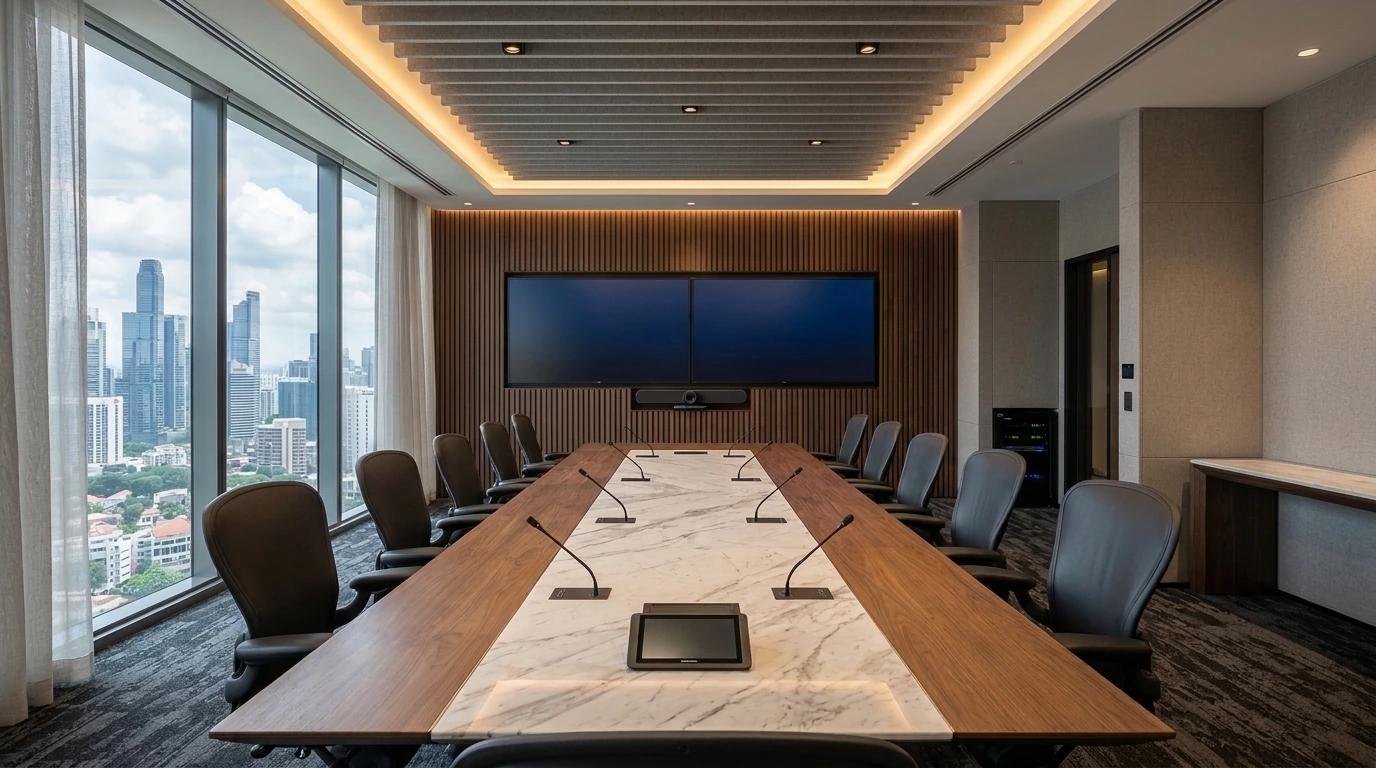
Design the boardroom as an integrated room
A longer table can create different camera views and speech pickup conditions. Review every seat and the people presenting at the front. Align microphone, speaker and acoustic decisions using the conference room audio placement guide.
Decide what needs to be visible simultaneously: participants, shared content or annotation. Compare screen options through the meeting room display guide, and ask how users move between meeting modes.
Give control rooms a separate operational brief
A command center or control room may need persistent dashboards, several source views and a different support arrangement from a meeting room. Record operating hours, source ownership, access permissions and the response to a failed display or source.
Do not assume that a boardroom conferencing package meets those operational requirements. Ask the project team to confirm the scope and assess display readability from each operator position, including small text and information crossing a tiled display boundary.
Agree ownership and acceptance tests
State who maintains room accounts, licences, network connections and software updates. For a managed meeting-room platform, verify supported hardware combinations and current deployment requirements before ordering.
Run acceptance calls with a remote participant and real shared files. Check camera framing, speech clarity, source switching and return to a known state after the meeting. Use the video conferencing solutions page for the commercial service scope rather than creating a competing service landing page.
Discuss your project brief
Review the related solution or share your project requirements to discuss a room-specific scope.
Frequently asked questions
01Can one AV design work in every meeting room?
Standard controls and room types can simplify support, but camera, audio and display coverage still need to fit each physical room.
02Is a command center just a larger boardroom?
No. Its sources, operating hours, access requirements and failure handling may be materially different and need a separate operational brief.
Plan your next step
Read the complete guide: Conference Room Audio: Where Should Microphones and Speakers Go?