
Classrooms & education
Give lessons and visual material a shared focal point; discuss interaction needs before choosing a panel.
Interactive displays & panels
Bring presentations, discussions and collaborative work together with interactive display solutions planned around your space and requirements. Nissi Office Systems helps you explore the right setup for your environment.
02 / Visual collaboration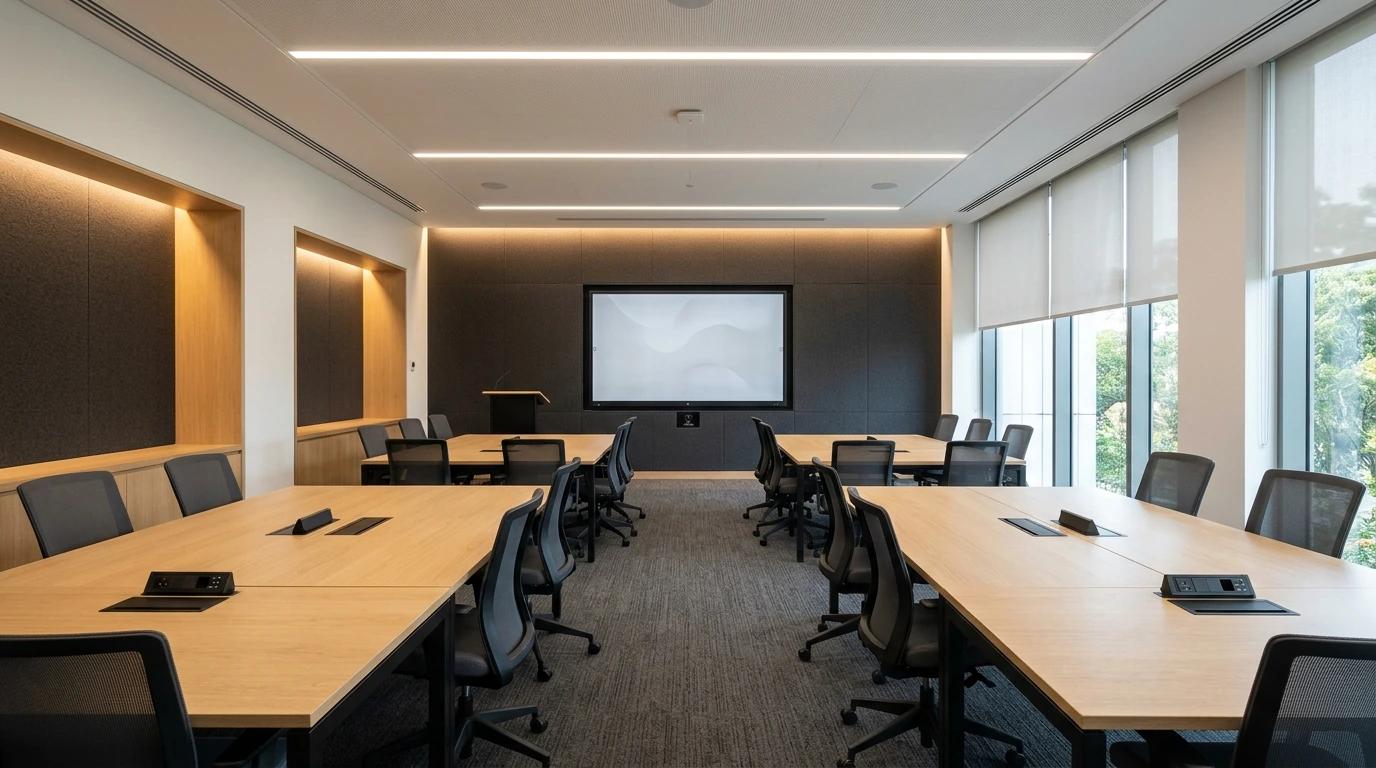
Why interactive
Interactive displays bring visual content and hands-on interaction into the same workspace. Depending on the product, they can help people present information, annotate content and collaborate around what is on screen.
Make presentations, visual material and information easier to share with a group.
Consider on-screen interaction for explanations, discussions and collaborative sessions.
Create a shared visual space for meetings, training and learning activities.
Where it fits
The right arrangement starts with how people use the room.
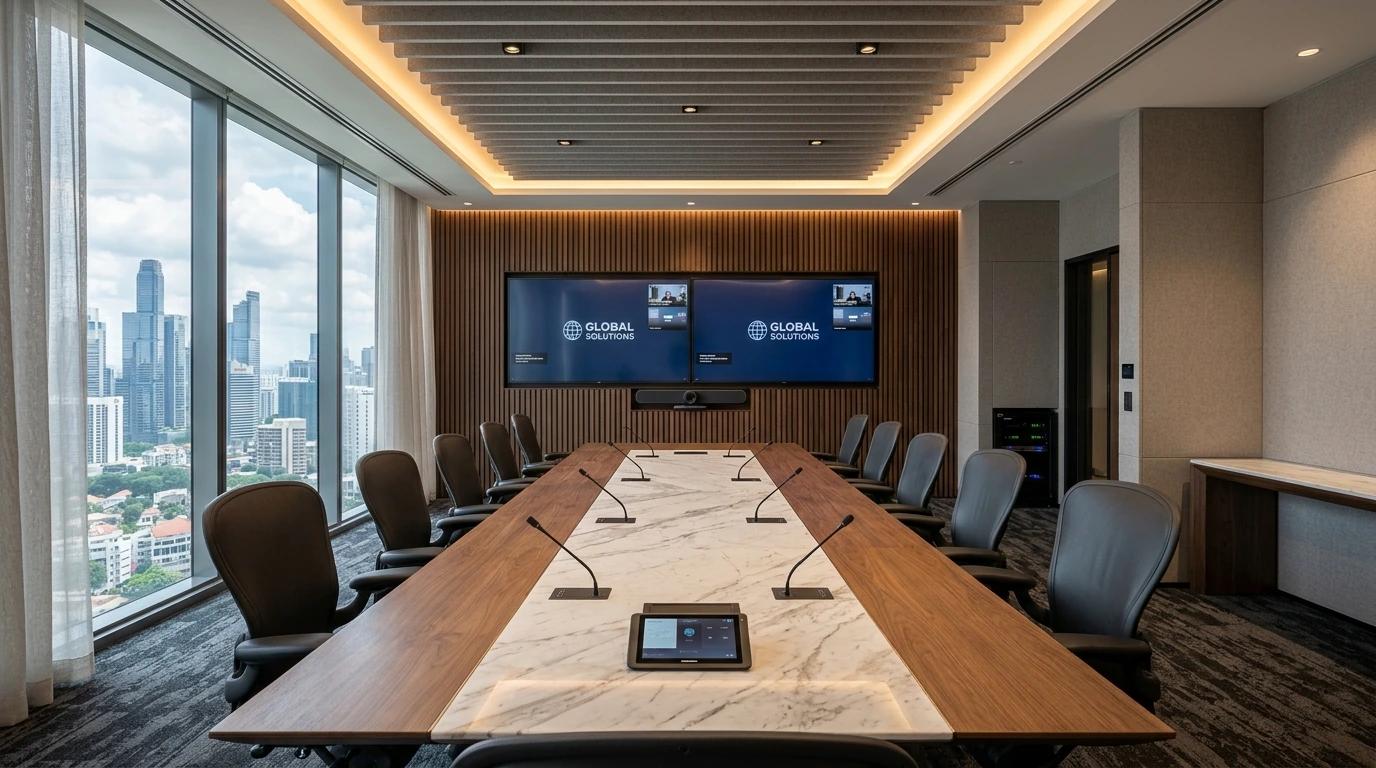
Give lessons and visual material a shared focal point; discuss interaction needs before choosing a panel.
Bring presentation material into view for in-room discussion and collaboration.
Support demonstrations and group sessions with a display planned for the room.
Create a common place to review and discuss visual content together.
Before selecting a panel
Screen size, room layout, connectivity and how people will use the display all influence the right solution. Nissi can help you discuss these requirements before selecting a configuration.
How many people need to see the display, and from where?
Where can the screen be seen comfortably across the room?
Who needs to work on-screen, and for what kind of activity?
Which existing computers and presentation sources need to connect?
What position, support and cable routes suit the space?
Does the display need to work with other agreed AV equipment?
These are planning questions. Available features and compatibility depend on the selected product and existing equipment.
Our approach
Five practical stages shape the agreed display and AV installation scope.
Discuss how the display will be used, who will use it and what the space needs to support.
Consider the room layout, viewing requirements, installation position and existing equipment.
Identify a suitable display configuration and any supporting AV equipment for the agreed requirements.
Coordinate the agreed display installation, mounting, cabling and AV integration requirements.
Check the installed setup and demonstrate its operation within the agreed project scope.
Why discuss the project?
The right solution involves more than choosing a display. Discuss the intended use, the room and the supporting equipment with Nissi Office Systems before finalising your requirements.
Good to know
Interactive displays can support presentations, on-screen interaction, collaborative discussions and visual learning, depending on the product and environment.
They can be considered for both environments. The appropriate configuration depends on the room, intended use and requirements.
Consider viewing distance, room layout, audience size and how the display will be used. These requirements can be discussed before selecting a suitable configuration.
Integration depends on the display's actual connectivity and the equipment already in place. The existing setup should be reviewed before confirming compatibility.
Nissi can discuss installation and supporting AV requirements as part of the agreed project scope.
Submit your requirements through the project enquiry form. Include details about the space and intended use to help begin the discussion.
Active LED displays
When the screen needs to be seen from across a hall, lobby or stage, a seamless indoor LED video wall scales to any size.
Begin a conversation
Share your requirements and intended use. Nissi Office Systems can help you plan the next steps for your interactive display solution.
Enquire Now