
Hear clearly
Consider the room's acoustics and the audio equipment required for its intended use.
Video & audio conferencing
Bring video, audio and presentation equipment together in a meeting-room setup planned around your space and requirements. Nissi Office Systems helps you consider the components and integration needed for effective communication.
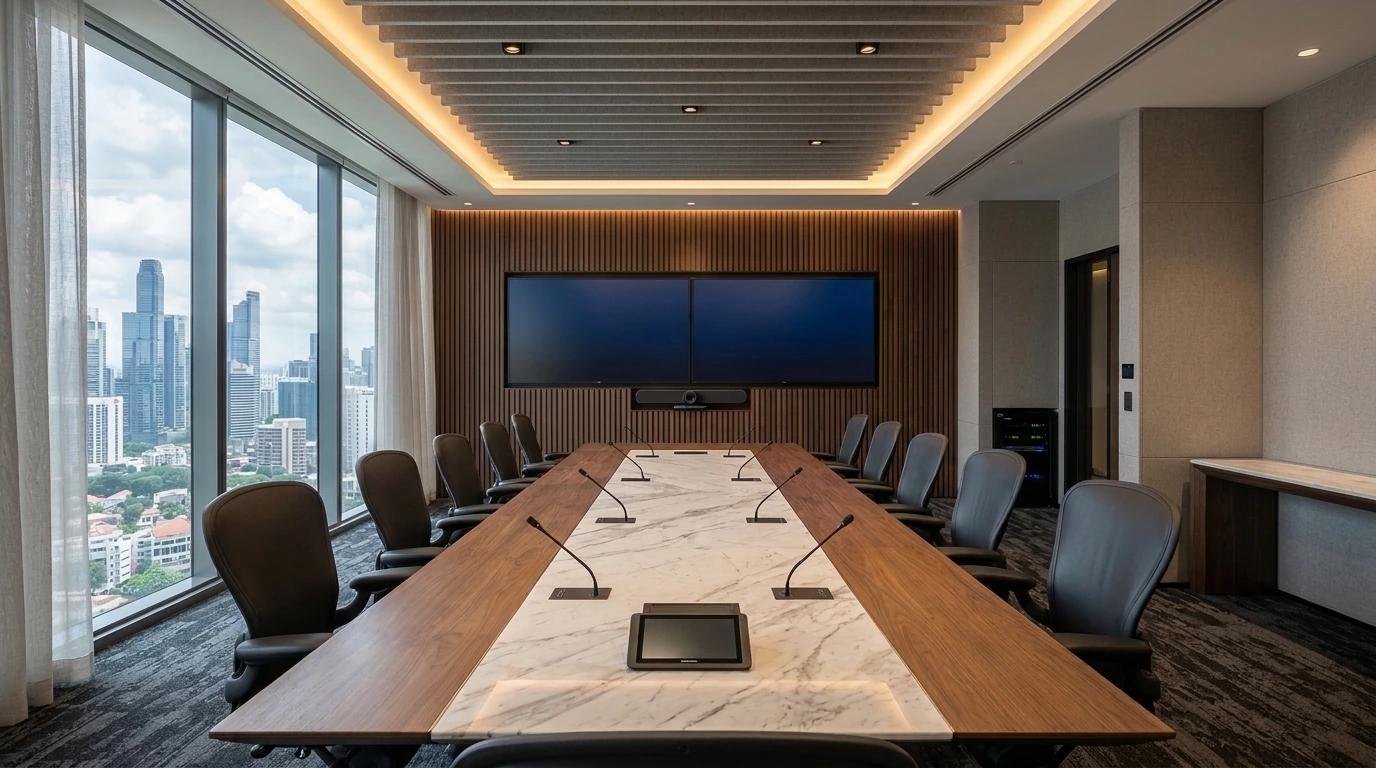
04 / Environments for connection
Start with the room
A conferencing room involves more than a screen and a camera. The room layout, sound, video, presentation equipment and how people connect to the meeting all influence the setup that should be considered.
Consider the room's acoustics and the audio equipment required for its intended use.
Plan the camera, display or projection arrangement around the room and participants.
Consider how the required conferencing and presentation equipment will work together.
The connected room
Each room calls for its own configuration. These elements may be considered together, according to your requirements; every room does not need every component.
Consider suitable equipment for capturing meeting participants and presenting the people joining remotely.
Plan microphones, speakers and acoustic considerations around the room and how it will be used.
Where needed, bring displays, projectors or screens into the overall meeting-room arrangement.
Consider equipment positioning, cabling, connectivity and integration within the agreed project scope.
Where it fits
Conferencing requirements change with the purpose of the space and the way people use it.
Support everyday discussions, presentations and remote participants with a setup planned for the room.
Bring display, video and audio requirements together around a formal meeting environment.
Consider how presenters and attendees will see, hear and share information in the space.
Plan AV around the ways people meet, present and work together in flexible rooms.
Our approach
Five practical stages shape the agreed conferencing and AV installation scope.
Discuss how the room will be used, who will use it and what the conferencing setup needs to support.
Consider the layout, participant positions, viewing needs, acoustics and existing equipment.
Identify the display, video, audio and supporting equipment to consider for the agreed requirements.
Plan the agreed equipment installation, positioning, cabling and AV integration.
Check the installed system and demonstrate its operation within the agreed project scope.
Plan the complete room
A well-planned conferencing setup considers the room, participants, sound, video and presentation equipment together. Reviewing these requirements early can help identify the components and integration needed for the intended use.
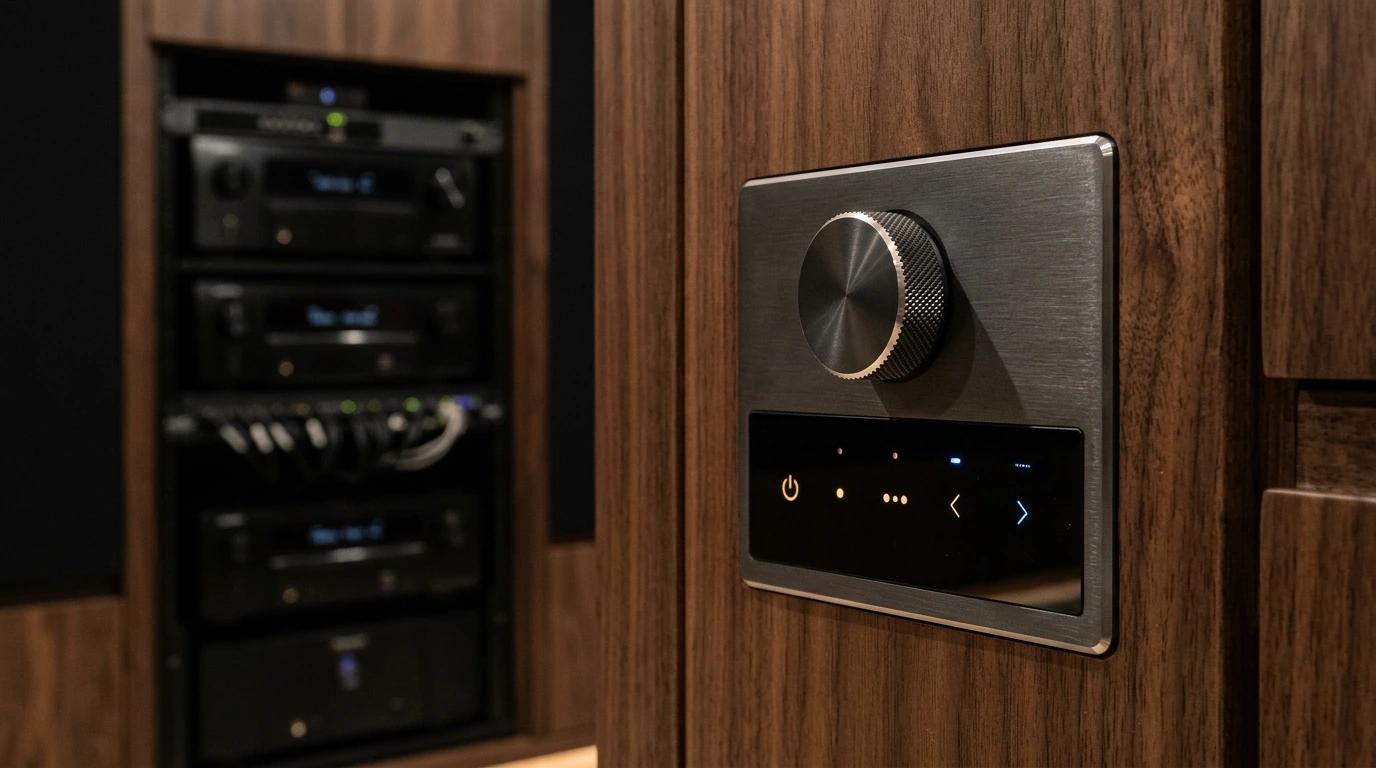
Good to know
Depending on the requirements, a setup may consider video, audio, displays or projection, and supporting AV integration. The exact configuration depends on the room and intended use.
Nissi provides video and audio conferencing-room solutions. Equipment and integration requirements should be discussed in the context of the intended room.
An existing room can be assessed to understand its layout, equipment and upgrade requirements before a suitable solution is proposed.
Compatibility depends on the selected equipment and the conferencing platform in use. Confirm the platform and requirements before finalising the configuration.
Installation and AV integration can be considered within the agreed project scope. The exact work depends on the room and selected equipment.
Submit an enquiry describing your meeting room, current equipment and intended use. This provides a starting point for discussing the requirements.
Active LED displays
Fine-pitch and all-in-one LED displays give boardrooms and auditoriums a seamless picture with no bezels through slides or faces.
Begin a conversation
Tell us about your space, the way your team meets and the equipment you need to integrate. Nissi Office Systems can help you discuss the next steps.
Enquire About Conferencing