Key ideas at a glance
- Audit real meeting tasks (wireless screen sharing, touch annotation, hybrid calls) before picking panel specs.
- Size the screen (65", 75" or 86") to the furthest seat so detailed spreadsheets stay legible.
- Test USB-C touchback, OPS Windows modules and conferencing camera integration with your team's laptops.
Describe the meeting before choosing the display
Every interactive display for a meeting room should match real team habits: wireless screen sharing, live PDF/CAD markup, whiteboarding or hybrid calls. If nobody touches the screen, compare options in our meeting room display comparison.
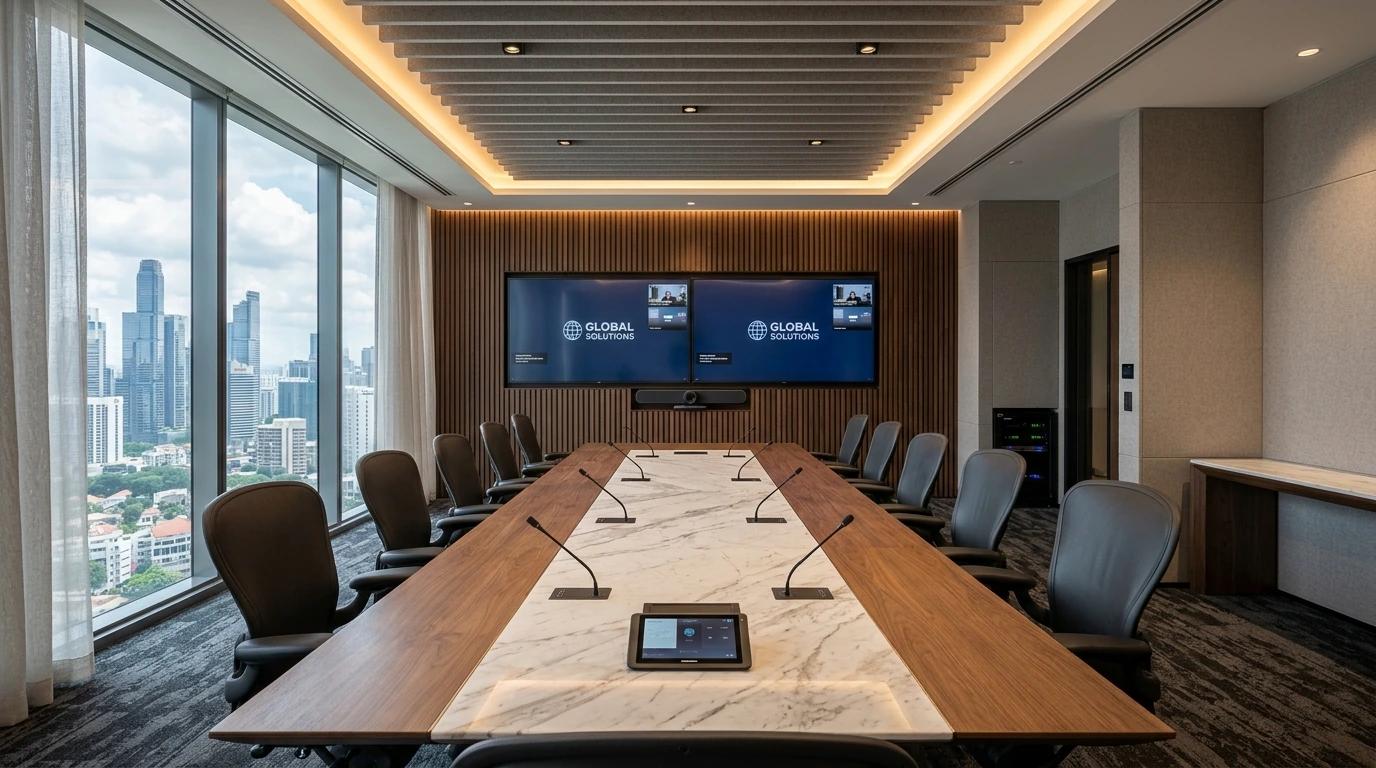
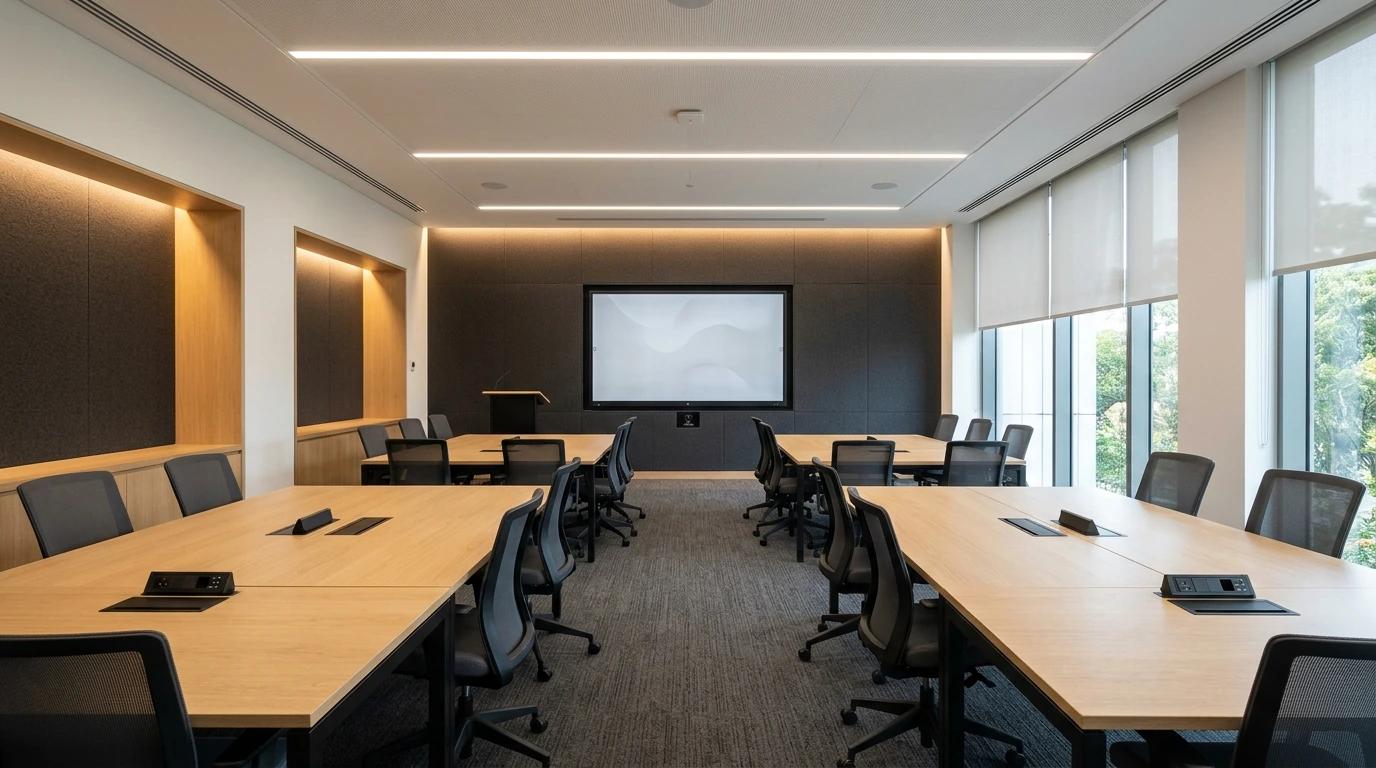
Check the view from every seat
Measure the nearest and furthest conference chairs and check window glare during peak daylight. Use our 65-inch, 75-inch and 86-inch interactive panel size guide to confirm text legibility for spreadsheets and presentations.
Test the devices and software people bring
Verify interactive panel connectivity across Windows laptops, MacBooks and guest devices before rollout:
- Single-cable USB-C: Check whether one cable delivers display, touchback and laptop charging simultaneously.
- OPS Windows slot-in PC: Useful when rooms run Teams, Zoom or proprietary software natively without BYOD laptops.
- Hybrid conferencing: Pair touch panels cleanly with video and audio conferencing room systems so cameras and mics capture every seat.
Plan the installation around users
Confirm wall load capacity (concrete vs. drywall/partition), ergonomic touch height, concealed power/network outlets and cable routes. Explore Nissi's interactive flat panel solutions for turnkey mounting and handover.
Bring these details to the first discussion
Share room dimensions, table layout, window walls, conferencing platforms and sample slide/spreadsheet files so Nissi can recommend the right panel size and compute setup.
Take the next step
Explore Nissi's interactive display solutions or share your room dimensions and goals through the project enquiry form to plan a practical next step with Nissi Office Systems.
Frequently asked questions
01What size interactive panel works best for an 8–12 person conference room?
A 75-inch interactive flat panel typically balances readable spreadsheet detail and comfortable wall fit for 8–12 seat conference rooms, while larger boardrooms often step up to 86 inches.
02Do we need an OPS module for a corporate meeting room?
If you want walk-in Teams/Zoom rooms or native Windows apps without plugging in a laptop every time, an OPS slot-in PC simplifies daily operation.
Plan your next step
Read the complete guide: Smart Board for Schools: A Classroom Planning Guide