Key ideas at a glance
- Evaluate projector brightness together with room ambient light, screen gain and image size—not lumens alone.
- Dark dedicated home cinemas prioritise contrast and colour accuracy, while lit classrooms and offices need higher lumen output or ALR screens.
- Verify throw distance and ceiling mount offset against room dimensions before fixing electrical points.
Look at the room when it is actually in use
Visit the space during actual working hours. Direct window sunlight, glossy walls and overhead LED fixtures dramatically change projector ambient light compared to a darkened demo room.
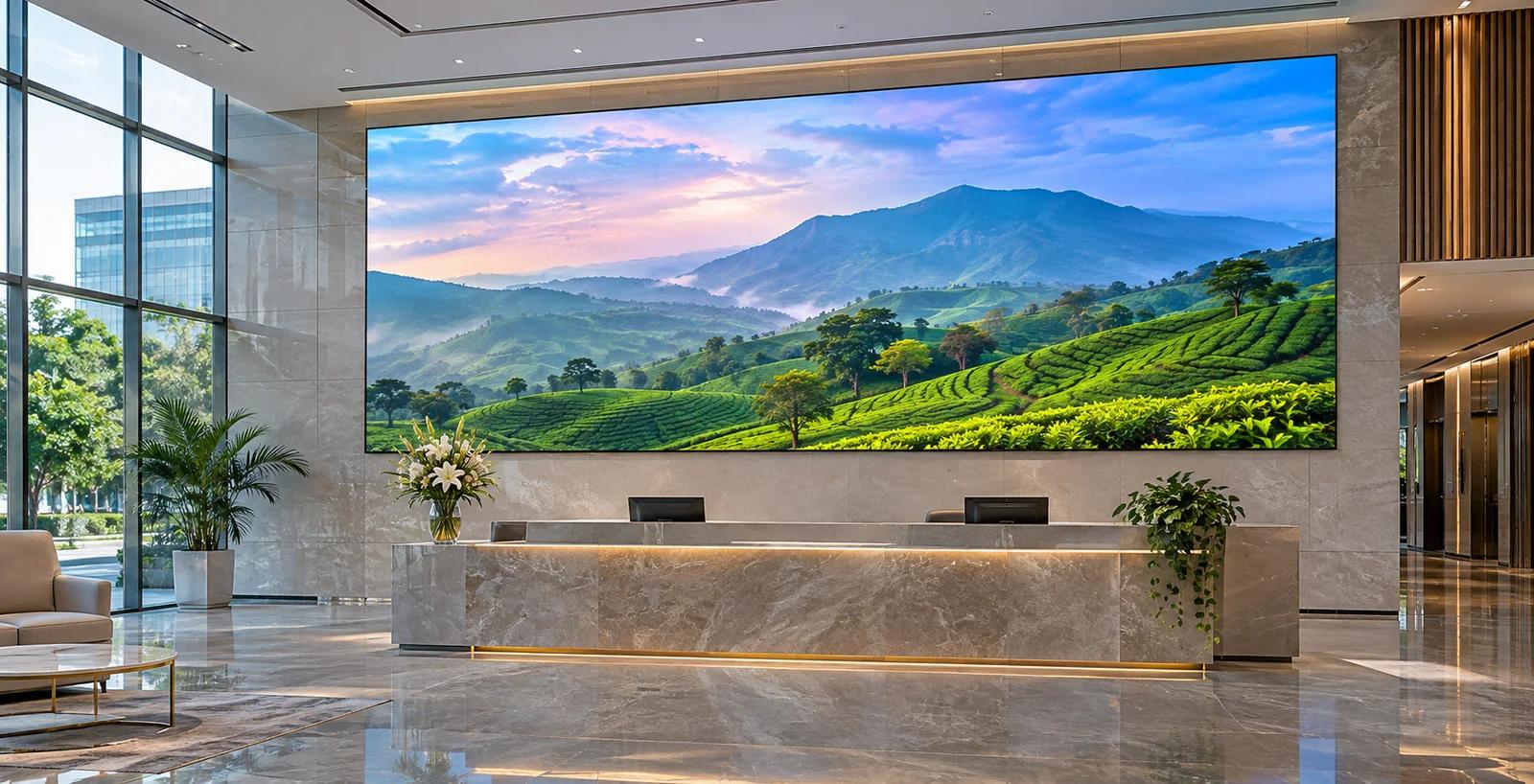
If a room cannot be dimmed at all—such as bright corporate lobbies or retail floors—compare projection against indoor active LED video walls or interactive flat panels.
Compare brightness specifications carefully
Projector lumens for a meeting room or cinema cannot be judged from one headline number alone. Check both white and colour light output specifications, and remember that doubling screen diagonal quadruples screen area—cutting image brightness per square foot.
| Room environment | Lighting condition | Key projection priority |
|---|---|---|
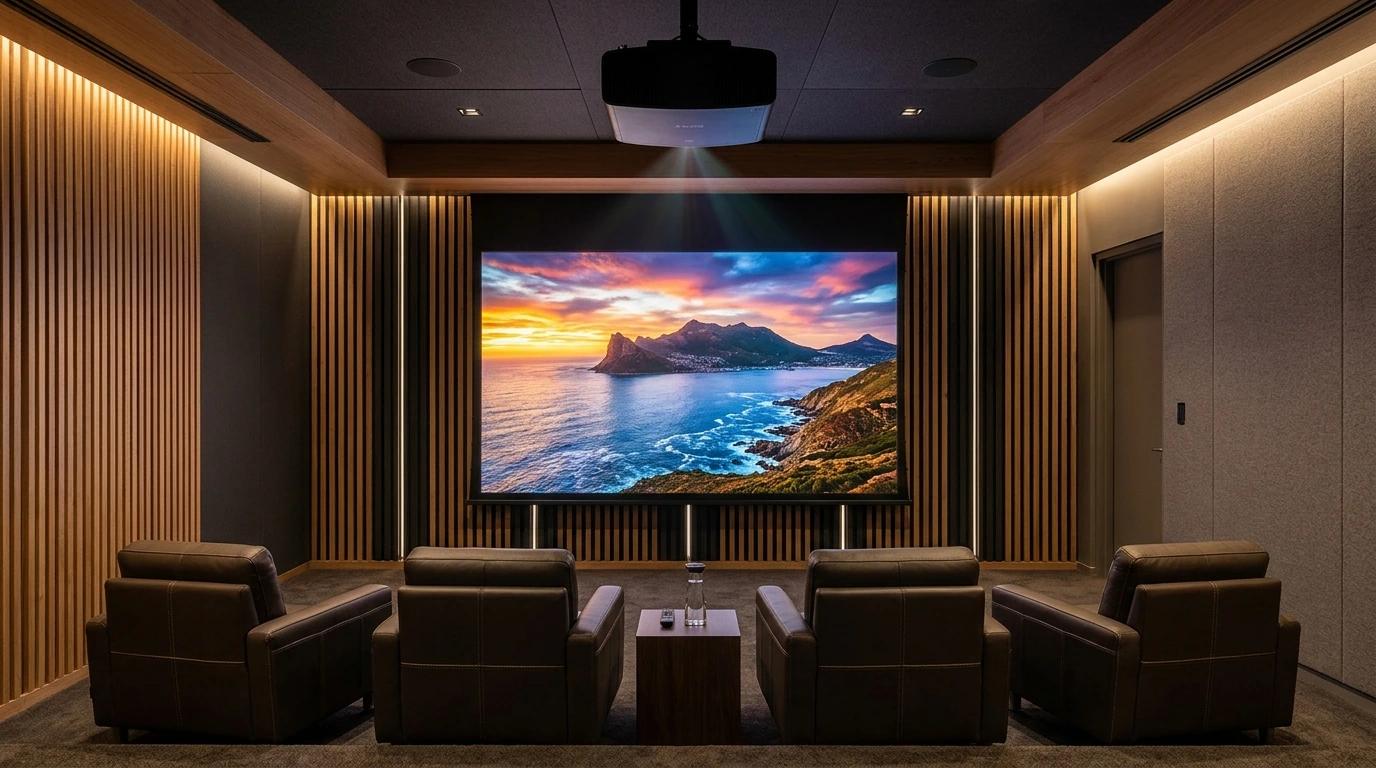
| Dedicated home cinema | Controlled / dark room | Contrast ratio, black levels, 4K sharpness & colour accuracy |
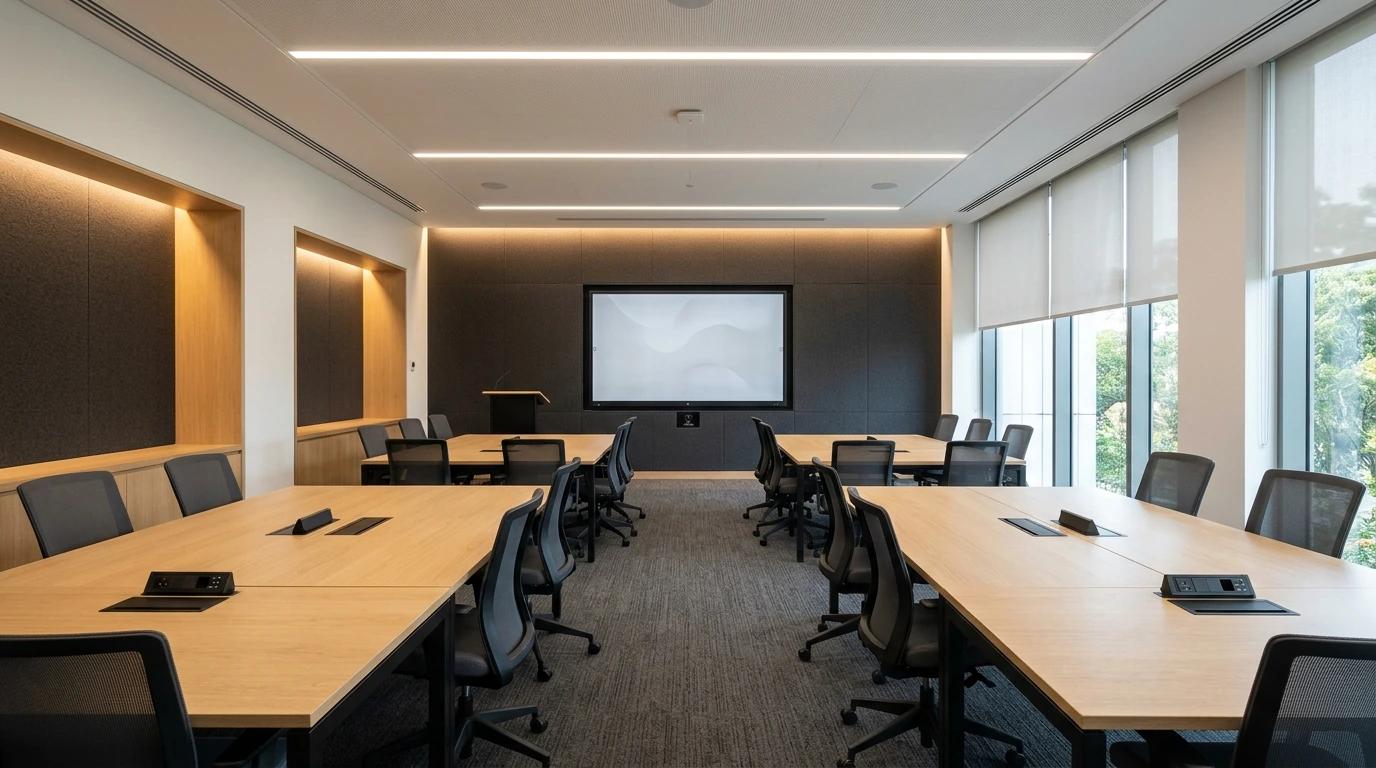
| Meeting & training room | Moderate overhead light | Higher lumen output, crisp spreadsheet legibility & ALR/matte screen |
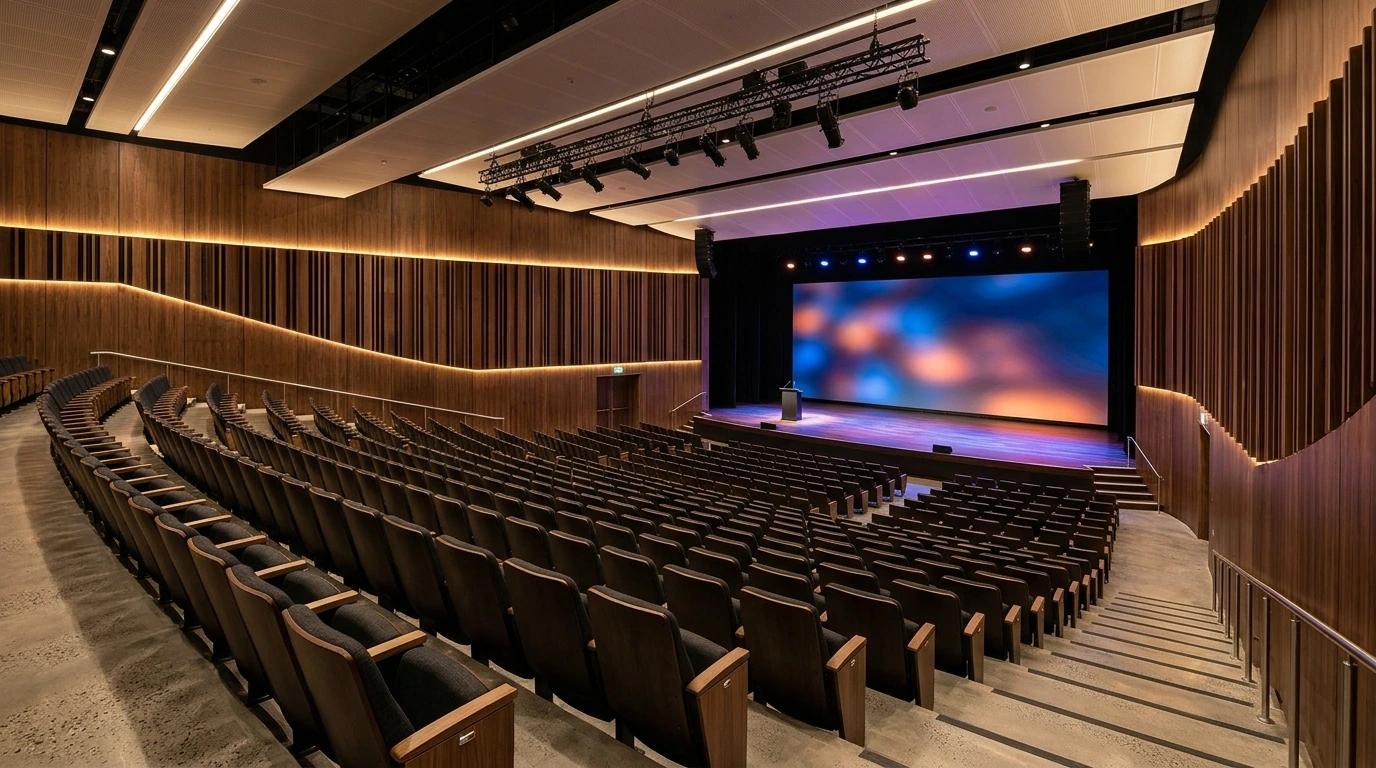
| Auditorium & large hall | Long throw + stage light | High-lumen laser projection, lens throw match & auditorium audio |
Consider the image and screen together
Projector screen planning—choosing fixed-frame, motorized or ambient-light-rejecting (ALR) surfaces—often improves perceived contrast more than chasing marginal lumen bumps. For dark screening rooms, see how projection fits into custom home theatre design.
Check placement before fixing the mount
Confirm throw distance, ceiling height, AC vents and lighting fixtures before running HDMI and power to the mount. Explore Nissi's projector and professional AV installation services for site survey and alignment.
Always verify zoom range and vertical lens shift on the exact projector datasheet before drilling ceiling mount points.
Prepare a useful room brief
Bring room length/width, ceiling height, window photos and sample content (movies vs. Excel sheets) so your integrator can size projector, screen and cabling accurately.
Take the next step
Explore Nissi's projectors and professional AV solutions or share your room dimensions and goals through the project enquiry form to plan a practical next step with Nissi Office Systems.
Frequently asked questions
01Can a home theatre projector work in a bright living room?
Ambient light washes out contrast on standard white walls or screens. In bright living spaces, ambient-light-rejecting (ALR) screens, higher-lumen laser models, or curtain control are essential.
02Does Nissi supply both projectors and motorized screens?
Yes. Nissi works with Epson, BenQ and JVC projectors alongside Osteq projection screens, handling supply, ceiling mounting, cabling and alignment.