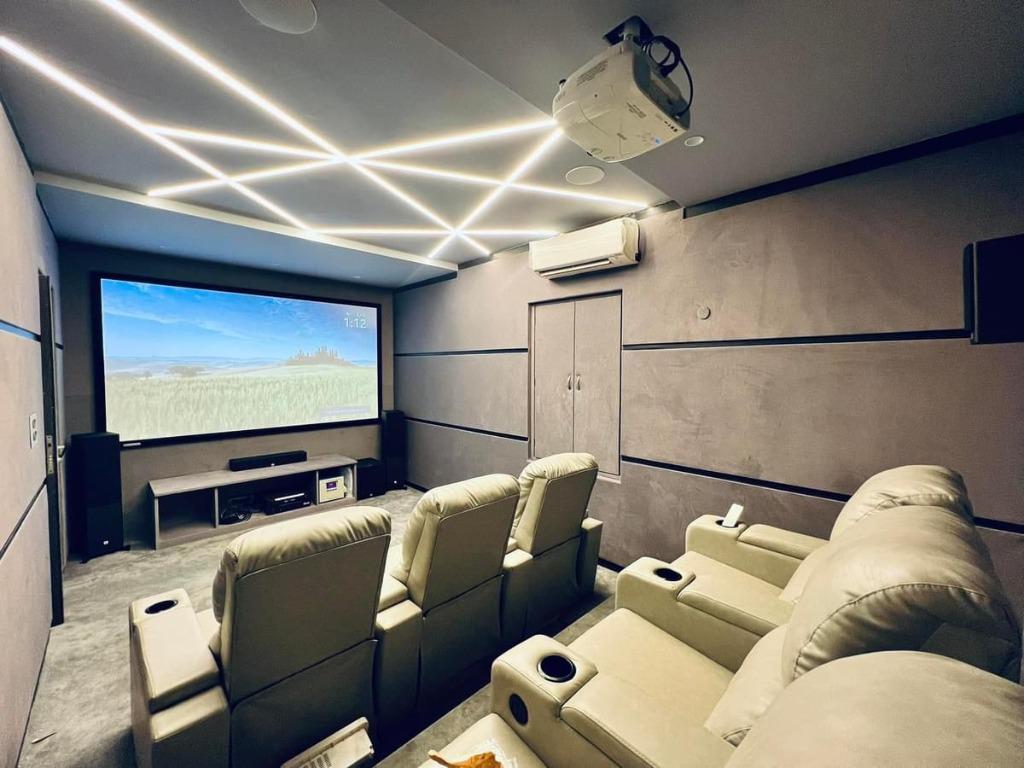
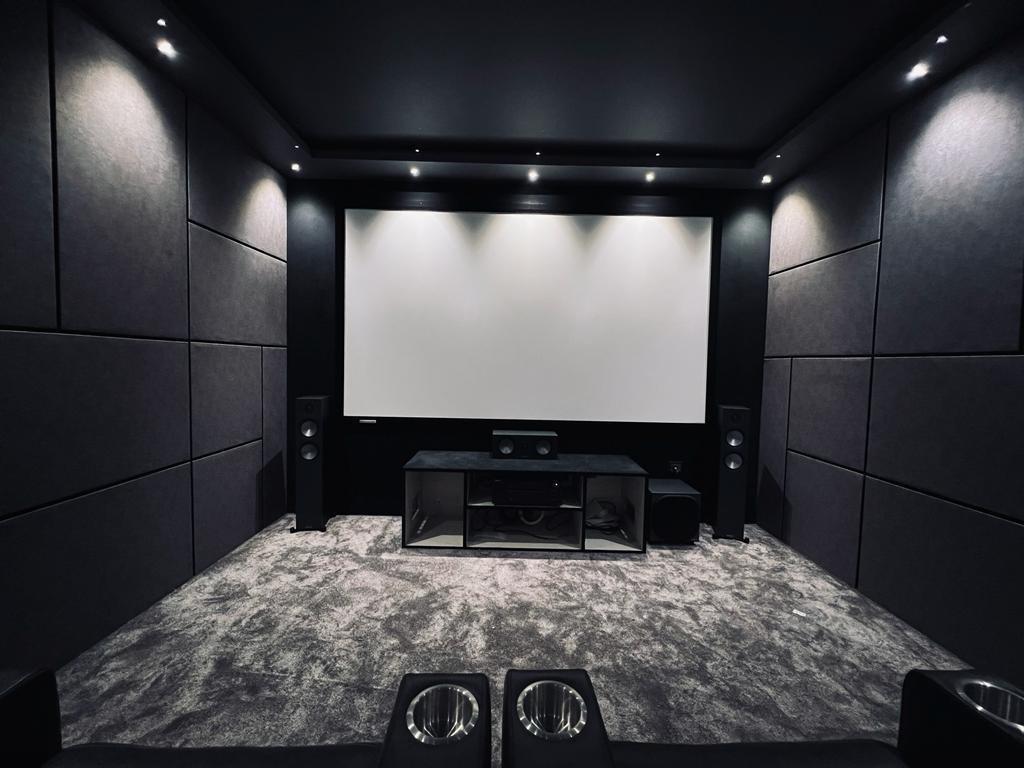
Key ideas at a glance
- Agree the screen position and seat layout before selecting a projector.
- Verify the lens and mounting range for the exact model.
- Compare the complete image and connection path using your own content.
Describe your viewing room
Start with the room's usable dimensions, daylight and evening lighting. Record the seats used most often and the wall available for the image. A dedicated cinema and a shared living room can call for different compromises.
Include films, sports, gaming or television in the brief, with the approximate time of day each is watched. This helps a demonstration reflect your use rather than simply showing a dark-room promotional clip.
Check throw distance and screen size together
Throw distance is the distance from the projector to the screen. For a stated throw ratio, a useful planning relationship is lens-to-screen distance equals image width multiplied by throw ratio. Confirm the exact measurement points and supported lens range in the selected model's documentation.
For example, a 2.4 m wide image at a throw ratio of 1.5 suggests about 3.6 m of lens-to-screen distance. This is a planning example, not confirmation that a chosen product fits. Allow for its body depth, connections, ventilation and mount.
Evaluate more than the resolution label
Ask how the proposed projector produces its stated 4K image, which input formats it accepts and which source settings are required. Compare the same content at the same image size, with room lighting representative of your home.
Check readable subtitles, dark scenes, sport and motion. Assess fan noise from the nearest seat and whether anyone walking through the room interrupts the image. Our projector brightness and room-light guide covers the lighting brief in more detail.
Plan sources, sound and service access
Identify where the AV receiver, media player, gaming console and network equipment will live. Ask the installer to specify the cable route and test the required formats across the proposed signal path before concealed finishes are closed.
Keep access for filters or other manufacturer-specified service tasks. Treat the screen, projector, audio and controls as one proposal; a standalone projector price does not describe a finished home cinema.
Compare a room-specific proposal
Request an itemised scope covering screen, mounting, cables, setup and handover. Identify exclusions such as civil work or furniture separately. Ask for the proposed image dimensions and lens position to be drawn on your room plan.
Use the home theatre dealer comparison guide for supplier questions and the home theatre setup cost guide for overall budget factors. This article focuses on projection selection rather than repeating those guides.
Discuss your project brief
Review the related solution or share your project requirements to discuss a room-specific scope.
Frequently asked questions
01Will any 4K projector fit my room?
No. Confirm the supported image size, throw distance, mounting position and room-light requirements for the exact model.
02Should I choose the projector or screen first?
Plan them together around seating and the available room. Image width and screen position constrain which lenses and mounting positions are suitable.
Plan your next step
Read the complete guide: Home Theatre Dealers in Hyderabad: A Comparison Guide